Creator workflow

Build a Read Aloud for YouTube Workflow

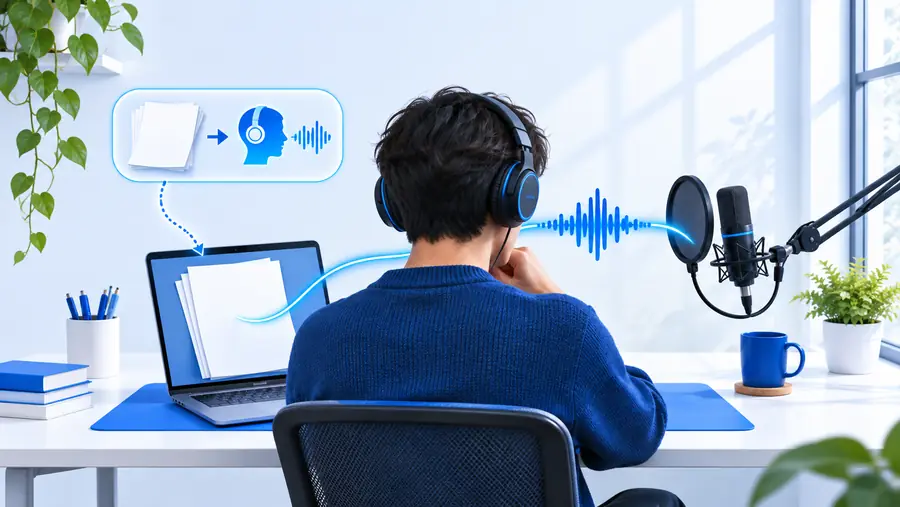
Read aloud for YouTube works best when the script, narration, visuals, and final review are treated as one production workflow. Start with a focused prompt, then shape the result for your channel.

Review before publishing
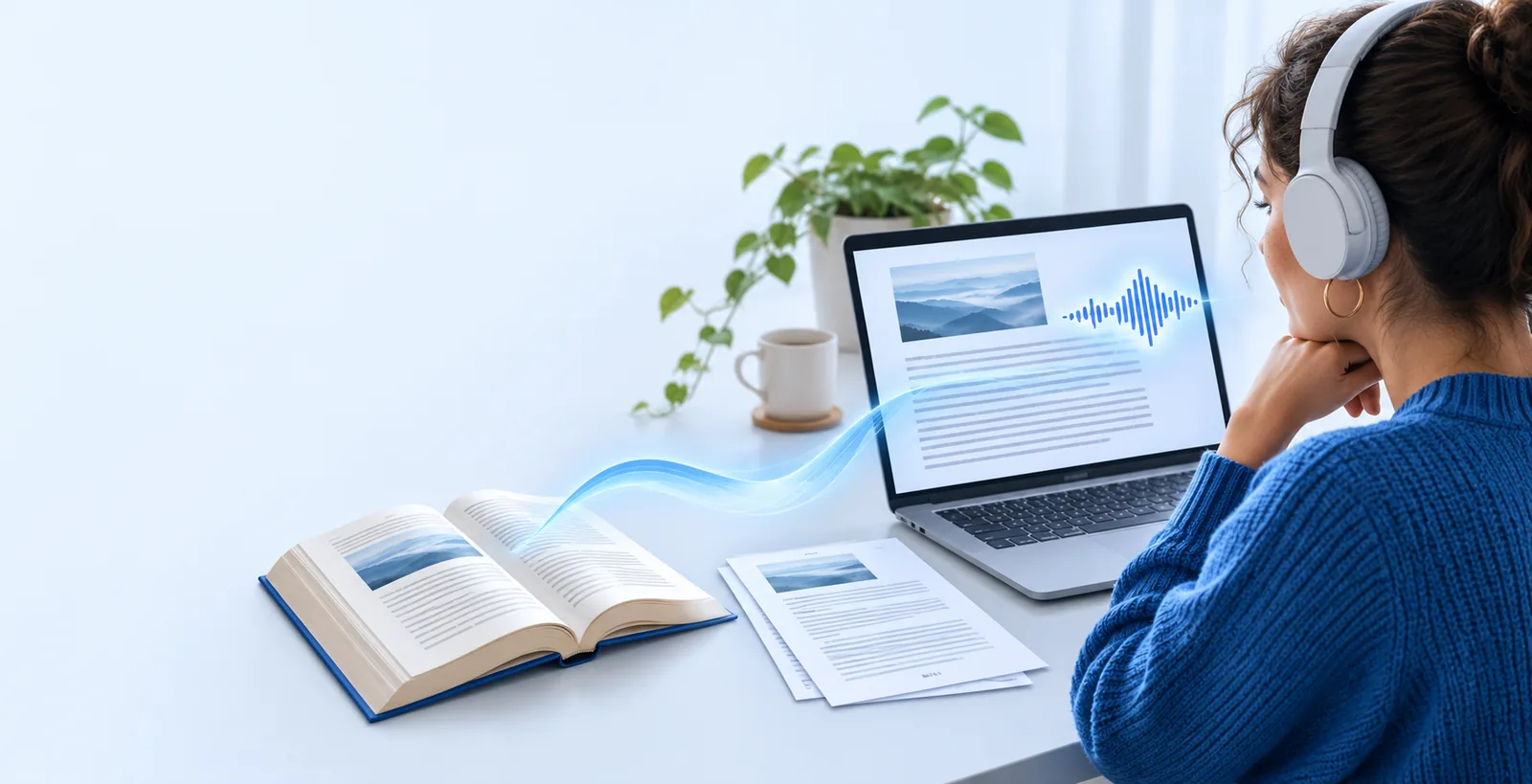
Read Aloud interface prepared for a creator workflow

Related guidance

The challenge of read aloud for YouTube

A voice-led video needs more than words on a screen. The source must sound natural, fit the visual rhythm, and remain easy to review before it reaches an audience.

Production path

Three concrete workflows

Choose the workflow that matches your starting material. Each path separates drafting from review so the final narration is easier to follow and revise.

  1. 1

    Start with a finished script

    Paste or describe the text you already want to narrate. Remove repeated phrases, define the audience, and mark the ideas that deserve emphasis before creating a voice-ready draft.

  2. 2

    Shape the spoken version

    Ask for shorter sentences, natural pauses, clear transitions, and a tone that fits the channel. Read the draft aloud yourself or listen through it to catch wording that looks fine but sounds awkward.

  3. 3

    Pair, review, and publish

    Match narration beats with visuals, captions, or chapter changes. Check names, claims, pronunciation notes, and rights for every asset before uploading the finished YouTube video.

Workflow comparison

Three concrete workflows: side-by-side

The right starting point depends on how much source material you have and how much control you need over the spoken result.

Script-first narration
Text-to-video draft

Best starting material

Script-first narration

A finished article, lesson, list, or video script

Text-to-video draft

A topic, outline, or rough set of notes

Main strength

Script-first narration

Keeps the message closely tied to approved wording

Text-to-video draft

Helps turn a loose idea into a usable first structure

Editing effort

Script-first narration

Focused on pacing, emphasis, and spoken clarity

Text-to-video draft

Includes both content shaping and narration cleanup

Visual planning

Script-first narration

Visuals can follow known sections and transitions

Text-to-video draft

Visual direction usually develops after the draft

Review priority

Script-first narration

Accuracy, pronunciation, timing, and tone

Text-to-video draft

Structure, factual support, tone, and continuity

Good YouTube use

Script-first narration

Explainers, readings, summaries, and educational videos

Text-to-video draft

Early concepts, channel experiments, and outline-led drafts

Example output

Example output

A strong result is not simply text read from a page. It is a narration draft with a clear opening, spoken transitions, and enough structure to guide the edit.

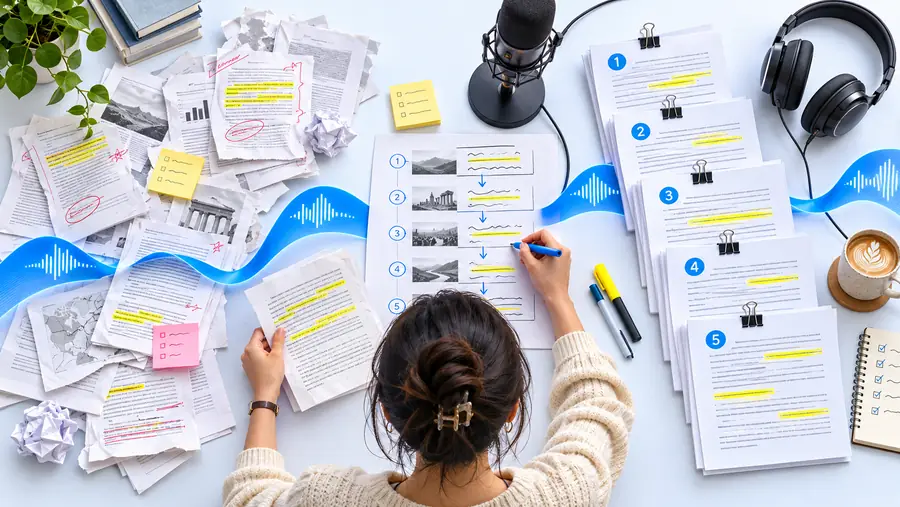
Unstructured source text prepared for a video Source text
Structured narration example ready for review Narration draft
The before-and-after view shows the production change: a block of source material becomes a spoken sequence with a clearer beginning, middle, and ending. Treat it as an editing reference, not as a guarantee that every draft is publish-ready.

At a glance

Example output: measurable checks

Use these page-level checkpoints to keep the workflow concrete while you move from source material to a reviewed YouTube draft.

Starting paths covered on this page
3 workflows
Comparison points for choosing a production path
6 checks
Scenario questions answered below
4 questions

Publishing care

Compliance notes

Narration can make production easier, but it does not transfer responsibility for the material. Review the source, the voice track, and the final upload as separate parts of the process.

It cannot clear third-party rights

A narration draft does not grant permission to use a book, article, image, clip, music track, or video from someone else.

Workaround

Use material you created, licensed, or are legally permitted to publish, and keep the relevant records.

It cannot verify every factual claim

A smooth-sounding script may still contain an incorrect name, date, quotation, statistic, or attribution.

Workaround

Fact-check important claims against reliable sources and review the final spoken wording, not only the original notes.

It cannot replace pronunciation review

Names, places, technical terms, and uncommon words may need a human decision about how they should sound on your channel.

Workaround

Add pronunciation notes, listen to the complete track, and revise any term that could confuse viewers.

It cannot guarantee platform approval

A well-structured narration still has to meet YouTube policies, disclosure expectations, copyright requirements, and your channel standards.

Workaround

Check current YouTube guidance and your own publishing checklist before making the video public.

Ready to draft

Turn your next script into a reviewable narration

Bring a topic, outline, or finished script and describe the audience, tone, and intended video length. Use the first result as a working draft, then apply your own editorial, rights, and platform checks before publishing.

Create a narration draft
  • Start from a script or rough idea
  • Shape pacing and tone for spoken delivery
  • Keep a human review step before upload

Scenario FAQ

Read aloud for YouTube FAQ

Yes, it can help turn a script, article, lesson, or outline into a narration-ready draft. You still need to pair the voice track with suitable visuals, review the wording, and follow YouTube’s current rules before publishing.

Include the topic, audience, tone, approximate length, and the format of the video. You can also specify whether you want an introduction, section transitions, pronunciation notes, captions, or a clear closing call to action.

No. A generated draft does not confirm copyright permission, factual accuracy, platform compliance, or suitability for your audience. Review the source material and final video before upload, especially when third-party content or sensitive claims are involved.

Use shorter sentences, varied transitions, intentional pauses, and wording that sounds like speech rather than an article. Listen through the entire draft and revise phrases that are difficult to say, repetitive, overly formal, or unclear without visual context.

Try text to speech
Try text to speech