How to read pdf aloud online free
To read pdf aloud online free, first check whether you can select the words in your document. Selectable text can be copied into a voice tool; a scanned page may need text recognition before it can be spoken.

What this variant is
A PDF is a document format, not a guarantee that its words are available to a voice tool. The useful distinction is between visible letters and selectable text.

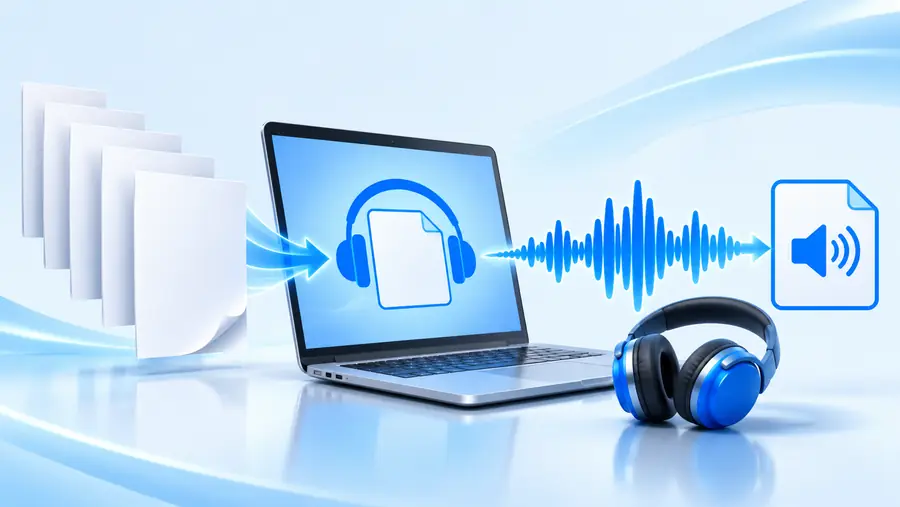 Document
Spoken passage
Illustrative workflow, not a conversion preview. Check the PDF’s text before expecting an accurate reading.
DocumentSpoken passageWhy PDF text becomes spoken audio
PDF standards preserve how pages appear; accessibility standards address how their contents can be interpreted. That history helps explain why two PDFs that look alike may behave differently.
-
PDF is introduced
The format makes it practical to share pages with a consistent appearance. A faithful-looking page, however, does not by itself provide usable text for speech.
-
PDF 1.7 becomes ISO 32000-1
Standardization documents the format, including ways to store text and document structure. Individual files can still lack the structure a reader needs.
-
PDF/UA-1 is published
ISO 14289-1 sets requirements for accessible PDF documents. Logical reading order and meaningful structure matter when software presents a page aloud.
-
PDF/UA-2 is published
The updated accessibility standard aligns with PDF 2.0. Older scans remain scans: standards do not automatically recognize words embedded in an image.
The tool block
Before choosing a voice workflow, try selecting one sentence. This quick test reveals whether you have text to paste or an image that first needs recognition.
- Selectable-text PDF
- Scanned-image PDF
What the page contains
Selectable-text PDF
Stored characters, sometimes with document structure
Scanned-image PDF
Pictures of pages; text may not be stored
Selection test
Selectable-text PDF
Words can usually be highlighted
Scanned-image PDF
The whole page or image may be selected instead
Copy-and-paste test
Selectable-text PDF
Copied words can be checked for order and spacing
Scanned-image PDF
Copying may produce nothing until OCR is applied
Reading order
Selectable-text PDF
Check columns, footnotes and captions after copying
Scanned-image PDF
Check the OCR result as well as the page layout
Preparation
Selectable-text PDF
Copy a short passage you are allowed to use
Scanned-image PDF
Run text recognition, then correct its errors
Likely trouble spots
Selectable-text PDF
Tables, headers and unusual layouts
Scanned-image PDF
Faint print, skewed pages and handwriting
Before listening
Selectable-text PDF
Proofread the extracted passage
Scanned-image PDF
Compare recognized text with the original scan
Spec table
Use these three checks as a practical specification for the passage you want to hear. They help prevent missing words and confusing reading order.
-
1
Check the source
Open the PDF and try highlighting a complete sentence. If you cannot select individual words, use a text-recognition workflow before attempting to read aloud.
-
2
Check the extracted text
Copy a short section and compare it with the page. Fix broken lines, repeated headers, misplaced columns and OCR mistakes; these can all make spoken output hard to follow.
-
3
Check a short listen
Start with one paragraph rather than the whole PDF. Listen for missing symbols, awkward pauses and out-of-order sentences, then revise the text before continuing.
Variant FAQ
Yes. If the PDF contains selectable text, you can copy a short passage and use it in a voice workflow. Check the copied text against the original page before listening.
A scan may contain only an image of the words, not characters a voice tool can interpret. Text recognition can extract words from that image, but its results need proofreading.
No. Access, upload support and usage limits depend on the specific service. Check its current terms before relying on it for a long document.
Look for columns, sidebars, tables and repeated page headers in the extracted text. Copy a smaller section and rearrange it into the intended reading order before trying again.